1/4
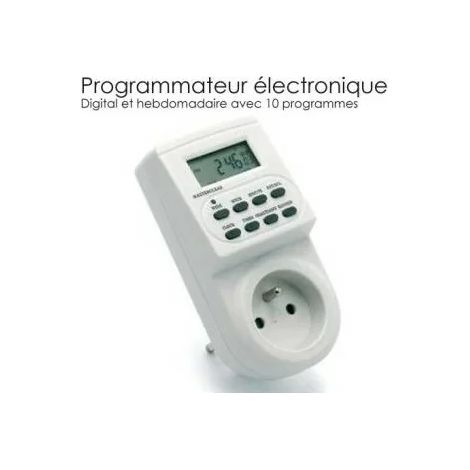
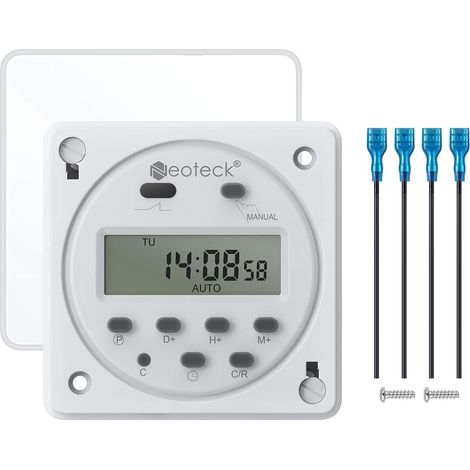
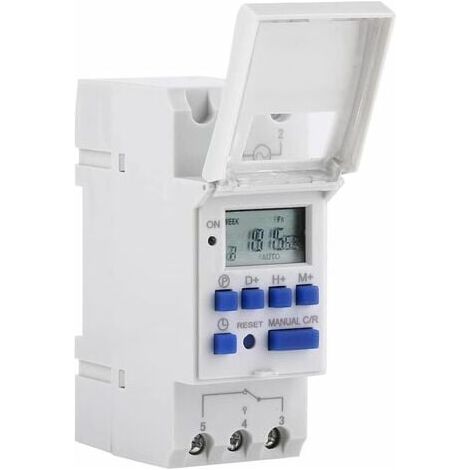
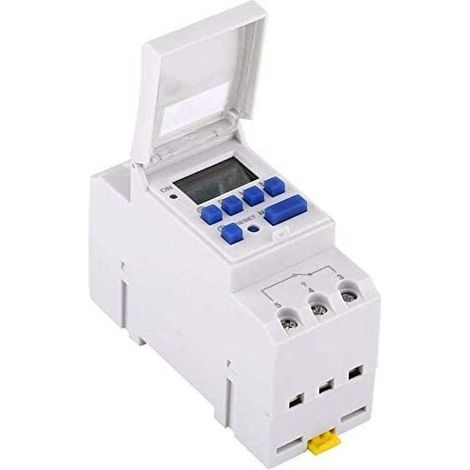
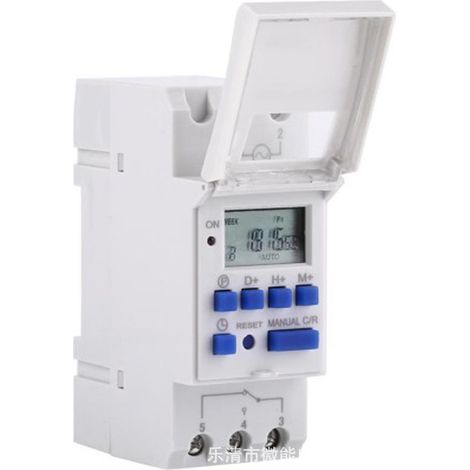
[NEVER USED] Electric Timer Time Switch Relay LCD Display Weekly Preset Programmable (220V)
Sold by Selphora
You may also like












Compare with similar items
Product information
Description
Product never used, packaging damaged during transport. Unopened product, repackaged in our warehouses, in perfect working condition, warranty available.
- 1 x Timer
- 1 x English Manual
- Advanced preset one week ahead.
- Digital electronic general purpose clock with daily and weekly programs.
- Repeat programs with 16 ON and 8 OFF settings.
- Accurate setting to the minute.< /li>
- LCD display shows real-time hours/minutes and ON/AUTO/OFF.
Features:
- Input voltage: AC220V
- Rated contact voltage: AC 180V to 264V (50/60Hz)
- Load capacity: 25A 250VAC (resistive load)
- On/Off operation: 16 on and 16 off (manual / automatic)
- Display: LCD< /li>
- Power: 4.5VA (max)
- Error: ≤2s / day (25℃)
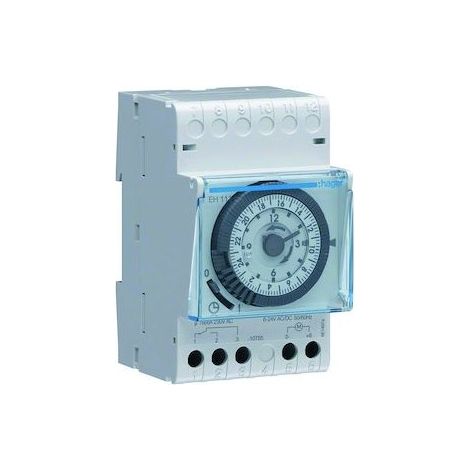
- Mounting method: DIN rail (not included)
- Bound: 1 min to 168 hours
- Working temperature: -10℃ to 55℃
- Size: 86 x 36 x 65mm / 3.38 x 1.41 x 2.56"< /li>
- Quantity: 1
Instruction:
- When you use the timer switch for the first time, input AC and charge the built-in battery, then press the button of reset.
- The timer is in 24-hour mode by default.
Press and hold the 'time' button (bottom left, next to 'reset') for 5 seconds until it displays 'AM' to switch to 12-hour mode.
Press and hold the 'Time' button again for 5 seconds to return to 24-hour mode.
Programming:
Step; Button; Programming
- Press P to set the time "1 ON".
- Press D +, select the days of the week (you don't need to press this button if you want the same setting for all days)
- Press H+/M+, set the hours and minutes.
- Press P to set the time "1 OFF".
- Press P, Select. Days of the week (if you want to use the same setting for all days, you don't need to press this button.)
- Press H+/M+ to set the hours and minutes.
- Repeat steps 2-6, Set another on/off time.
- Press "time" (bottom left, next to "reset")
Finish
Features
- BrandODIPIE
- Voltage220 V
- Amperage25 A
- MaterialPlastic
- Type of electrical installationDIN rail
- Programming frequencyWeekly
- Weight350 g
- Display typeDigital thermometer
- Contact typeNormally open
- ManoMano ReferenceME88209740
- MMID795927274817
- Product codeFU-4412_never_used
You are here:
'/%3E%3C/svg%3E)