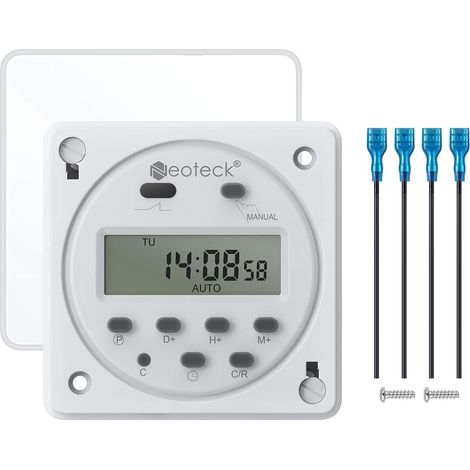
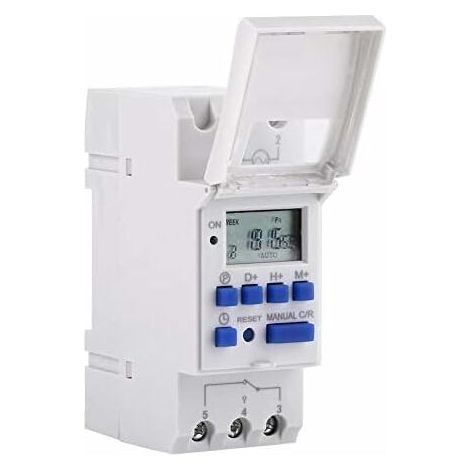
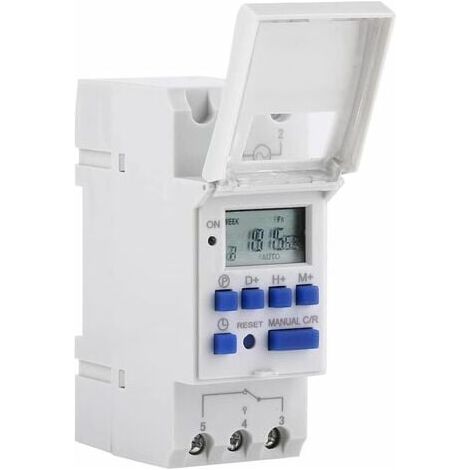
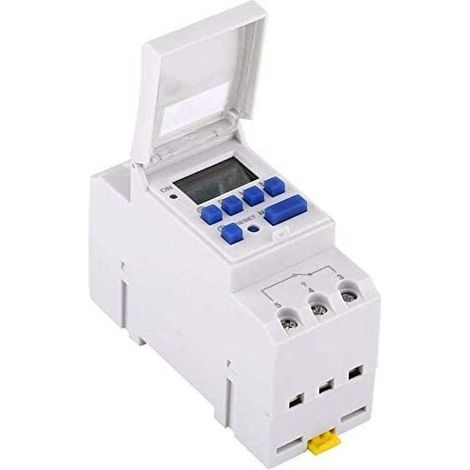
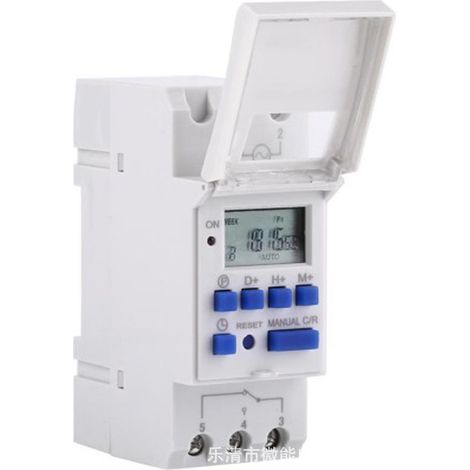
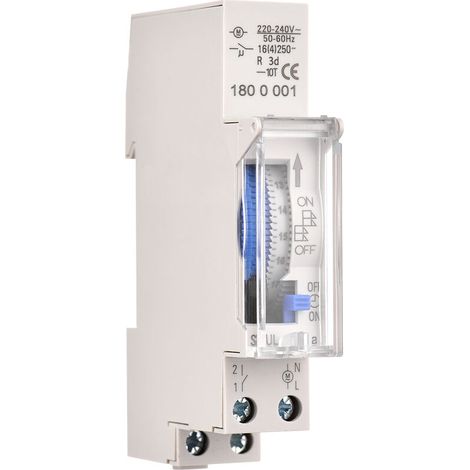
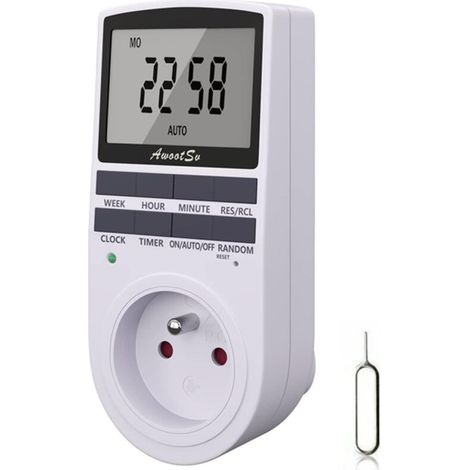
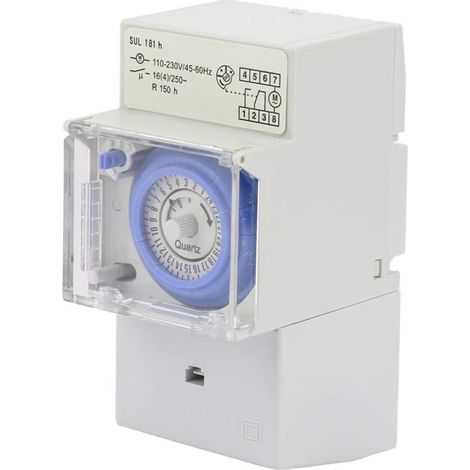
[NEVER USED] LCD digital timer, AC 220 V, rail-mounted timer, 16 groups, LCD switching, weekly programmable timer, time delay relay
You may also like












Compare with similar items
Product information
Description
Product never used, packaging damaged during transport. Unopened product, repackaged in our warehouses, in perfect working condition, warranty available.
1. Advanced presetting one week in advance 2. All-purpose digital electronic timer with daily and weekly programs 3. Repeat programs with 16 ON and OFF settings 4. Setting accuracy at 100% to the minute 5. The LCD screen displays hours/minutes and ON/AUTO/OFF in real time.
Specification:
Description: This timer can automatically turn all kinds of electrical appliances on/off according to the time set by the user. It has a built-in rechargeable battery and a quality industrial chip. With high precision and strong capacity. The trouble-free timer is ideal for controlling street lights, neon lights, manufacturing equipment, radio and television, and many other household appliances one week in advance. All-purpose digital electronic timer with daily and weekly programs. Repeat programs with 16 ON/OFF settings. Accurate to the nearest minute. The LCD screen displays hours/minutes and ON/AUTO/OFF in real time. DIN rail installation (DIN rail not included). Features: Input Voltage: AC/DC12V, AC/DC24V, AC110V, AC220V (optional) Current: 15A Power: 3000W Rated Contact Voltage: 220V AC (50/60Hz) Capacity Switching Voltage: 16A resistive On/Off Operation: 16 on and off (manual/automatic) Display: LCD Power Supply: Error: ≤2s/day Mounting Method: DIN Rail (not included) Connection: 1 minute to 168 hours Working Temperature: -10℃ to 55℃ Size: 86 x 36 x 65mm / 3.38 x 1.41 x 2.56" Quantity: 1 Battery: 1.2V 40mAh NiMH Rechargeable Battery (Built-in) Instructions: 1. When using the timer for the first time, turn it on and charge the built-in battery. Press then the power button. 2. The timer is in 24-hour mode by default. Press and hold the "Time" button (bottom left, next to "Reset") for 5 seconds until the timer resets. "AM" will be displayed to enter 12-hour mode. Press and hold the "Time" button again for 5 seconds to return to 24-hour mode. />StepButtonProgramming 1 Press Time PRESET "1 ON" (Display 1 on) 2 Press D + Select the days of the week (if you want the same setting for all days, it is not necessary to press this button) 3 Press H+/M+ Set the hours and minutes 4 Press PRESET Time "1 OFF" (Display 1 off) 5 Press PS, select the days of the week (if desired). If you want the same setting for each day, you do not need to press (click this button) 6Press H+/M+Set hours and minutes 7Repeat steps 2 to 6Set another on/off time 8Press "Time" (bottom left, next to "Reset")End Package includes: 1 x Timer 1 x English manual
Features
- BrandODIPIE
- Voltage220 V
- Power sourceCorded
- Amperage15 A
- MaterialPlastic
- Mounting methodTo screw
- Type of electrical installationDIN rail
- Programming frequencyWeekly
- Power3000 W
- Display typeDigital thermometer
- ManoMano ReferenceME93687082
- MMID103936846260
- Product codeLHJ-4251_never_used
'/%3E%3C/svg%3E)